The busywork, handled
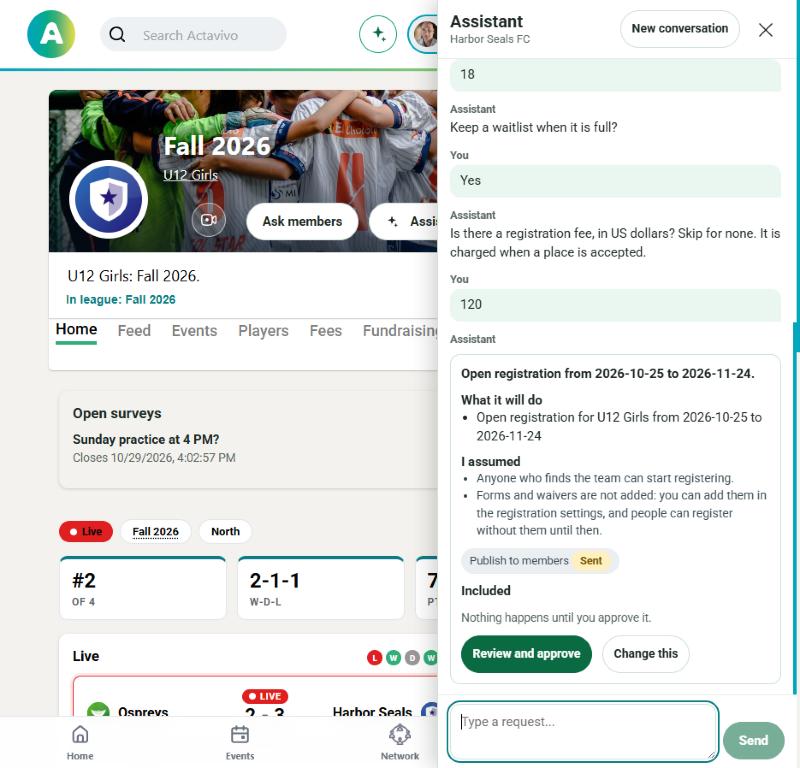
Ask in plain words. The assistant drafts the plan with the same tools you use, shows exactly what will change, and waits for the right people to approve it.
Ask, review, approve
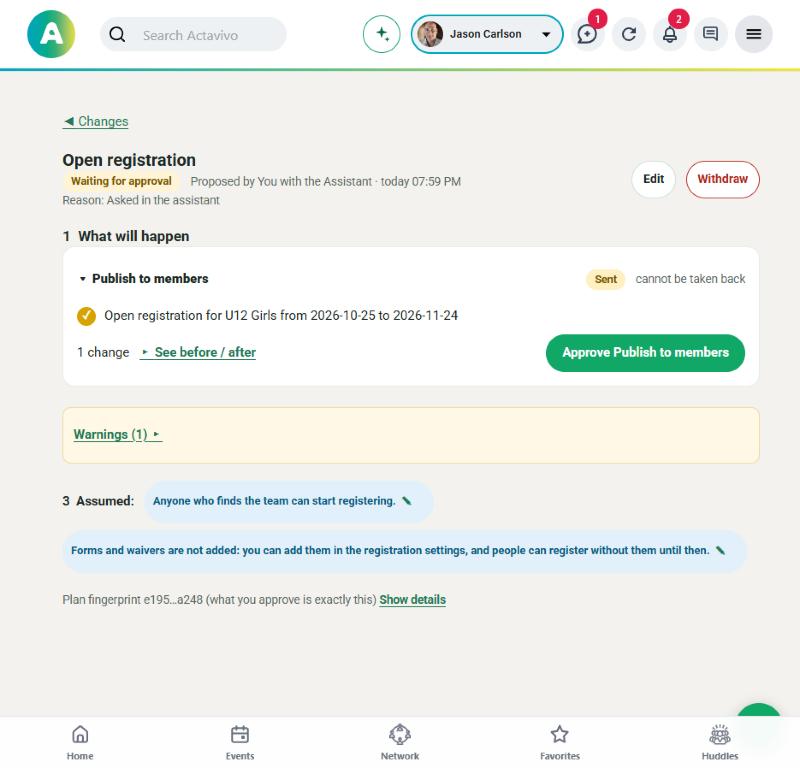
Every request becomes a change request: a list of exactly what will be created, changed or sent. You can edit it, reject it, or send it to the staff who need to sign off. Change anything and the approvals start over.
It starts where you are
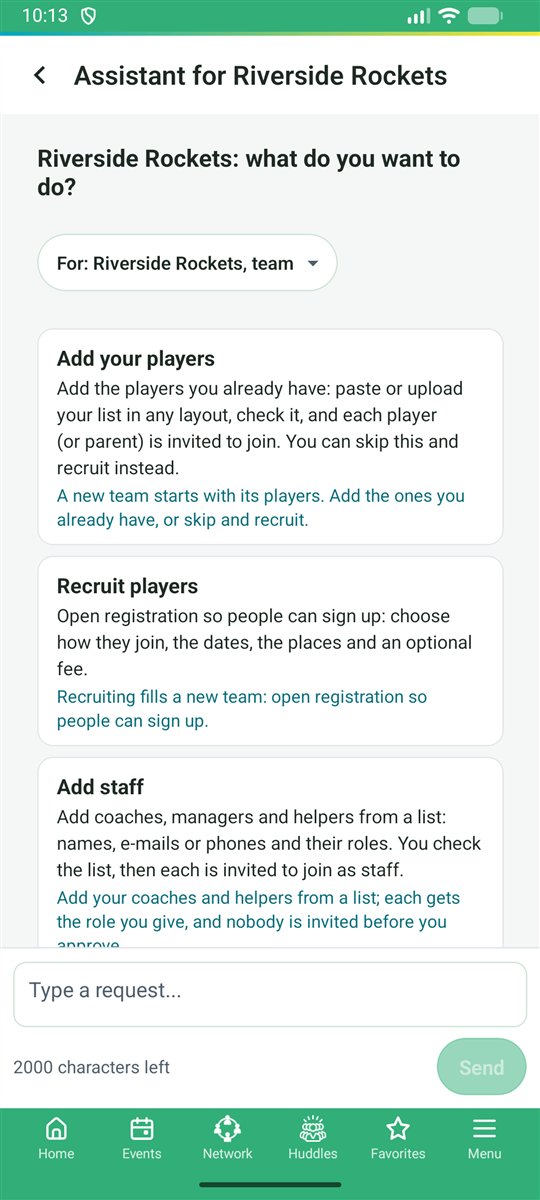
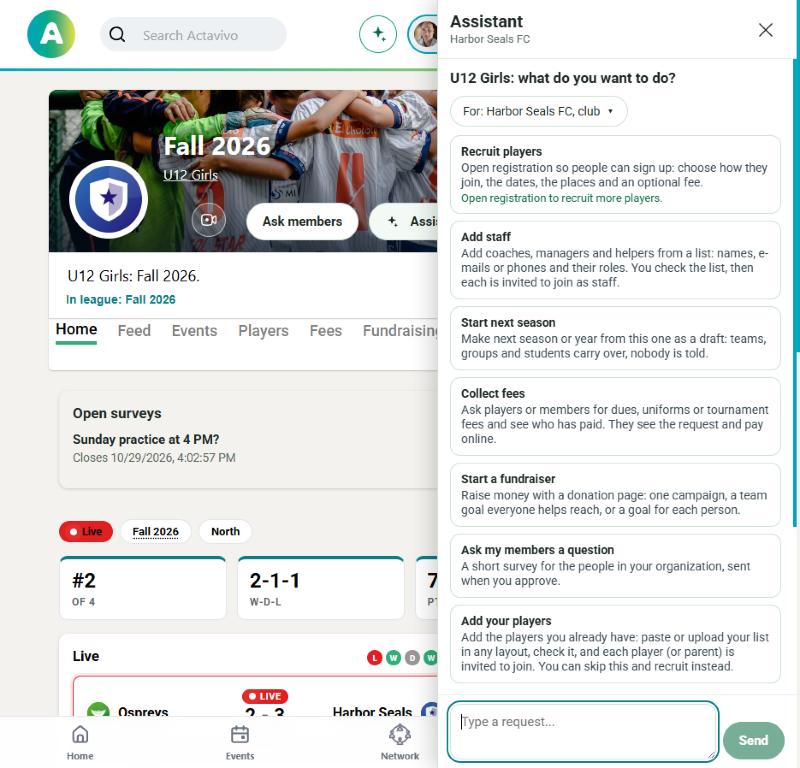
Open the assistant from any page and it works for that page: on a team it plans for the team, on your Home it plans for you. Tap a starting point or type a sentence. It asks only what it needs, lists every default it assumed before you approve, and then takes you straight to what it made.
- Dozens of guided starting points: a new team, a club, registration, practices, a fundraiser, a rollover
- Paste a roster or a list of members, no template needed; every row is reported back
- Suggestions that say why: a new team is offered "add your players" and "recruit with registration"
Ask everyone in a minute
"Ask the U12 parents if Sunday practice works." The assistant writes the survey, picks the audience from your teams and events, and shows results once enough people answer to keep small groups anonymous.
- Five question types, anonymous or named, chosen before it goes out
- Audiences from teams, groups and events
Safe by design
The assistant is another way to use Actavivo, not a back door into it.
Drafts first
Every change is a change request you can read, edit or reject. Nothing goes out until it is approved.
Your permissions
It can only do what you can do, through the same rules. It does not read rosters unless the task needs them.
Every step logged
Each action is recorded and metered, so staff know who did what and what it cost.
Hours of admin, in a sentence
Watch it work
Click through the assistant on real screens: it starts a team, opens registration, adds players from a pasted list and sets up a fundraiser, and waits for your approval each time.