Help/How to
Up and running in minutes
Short videos for every first step, most under a minute, and click-through demos when you'd rather tap along.
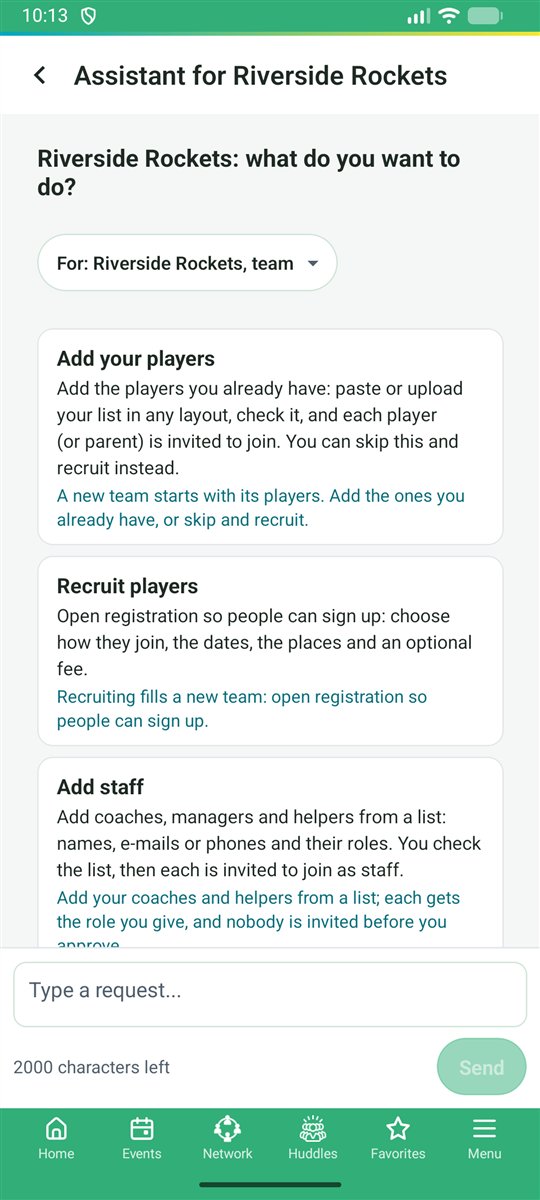
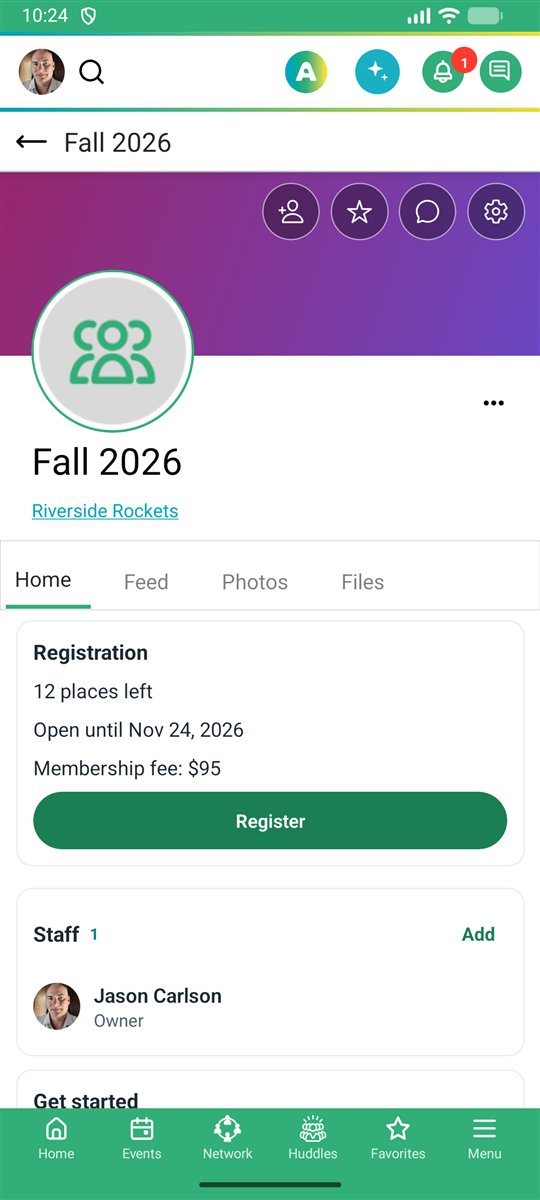
Getting started
Four steps to your first season
- Create your profileSign in with Google, Microsoft, Apple, Facebook or LinkedIn.
- Create your organizationA team, club, school, league or group, from Create New under your picture.
- Bring your peopleInvite by e-mail, text or link, or import a spreadsheet of members.
- Plan the seasonAdd events or a league schedule; everyone gets it in their own Outlook, Google or Apple calendar.
Stuck? Ask. Open the assistant and ask "How do I...?" in your own words: it answers with the steps and a Show me button. Something not working? Tap Something is wrong and the steps go to our team; My reports shows when it is fixed.
Video guides
All demos
Watch how
Profile
Create a profileQuick start
Team & season
Create a team and seasonTeams
Club & term
Create a club and termClubs
Elite club
Create an elite clubClubs
Event
Create an eventEvents
School
Create a schoolSchools
Class
Create a classSchools
Performance group
Create a performance groupBands and ensembles
Organization
Create an organizationOrganizations
Group
Create a groupGroups
Neighborhood
Create a neighborhoodCommunities
Import members
Import members from a fileMembers
New guides are on the way for leagues, registration, live scoring and the assistant. Until then, the click-through demos show each of them on the real app.
Rather tap along?
Each demo rings the next tap on real screens, so you can learn the steps before you sign in.